Vista
Portfolio
Docs
Getting Started
Settings
Features
Blocks
How to Use
Docs
/
How to Use
/ Portfolio Page with Filter
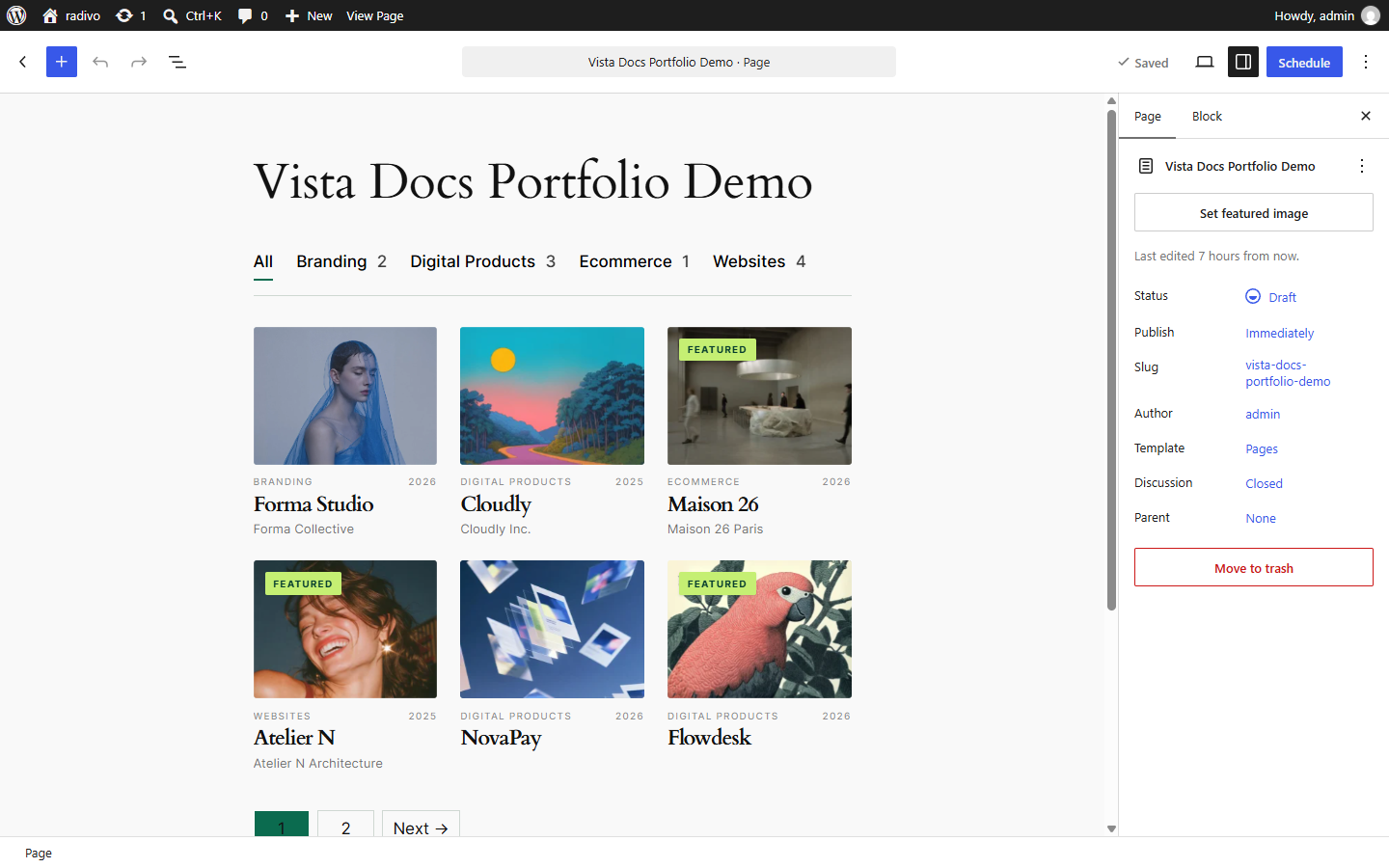
Portfolio Page with Filter
Create or edit a Page.
Insert
Project Filter
.
Insert
Project Collection
below it.
Choose layout, columns, and card skin.
Publish and view the front end — filter chips update the collection.
Filter above Collection
Previous
Build a Case Study
Next
Reuse a Saved Layout