Build a Case Study
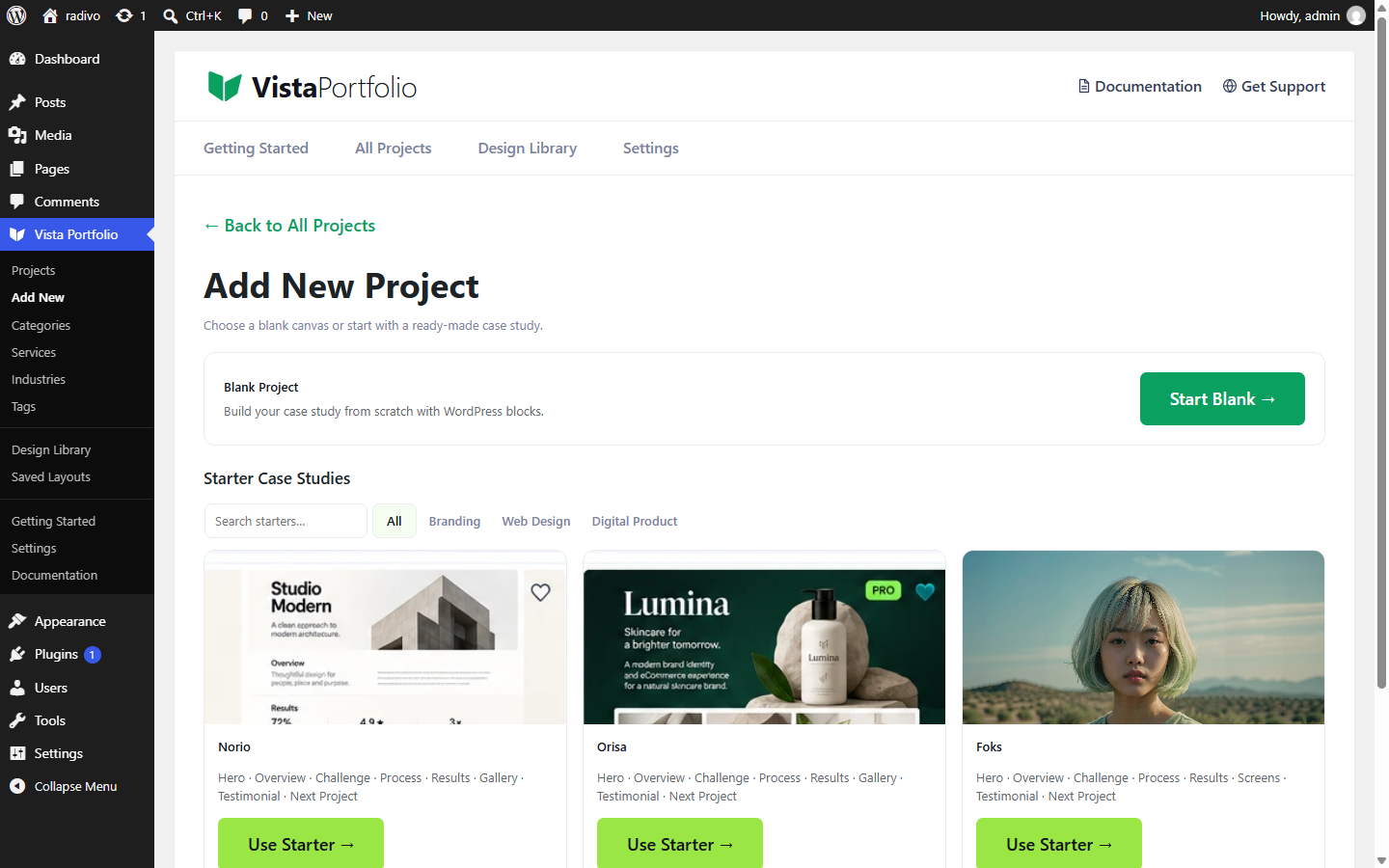
- Go to Vista Portfolio → Add New.
- Start blank or pick a Design Library case study.
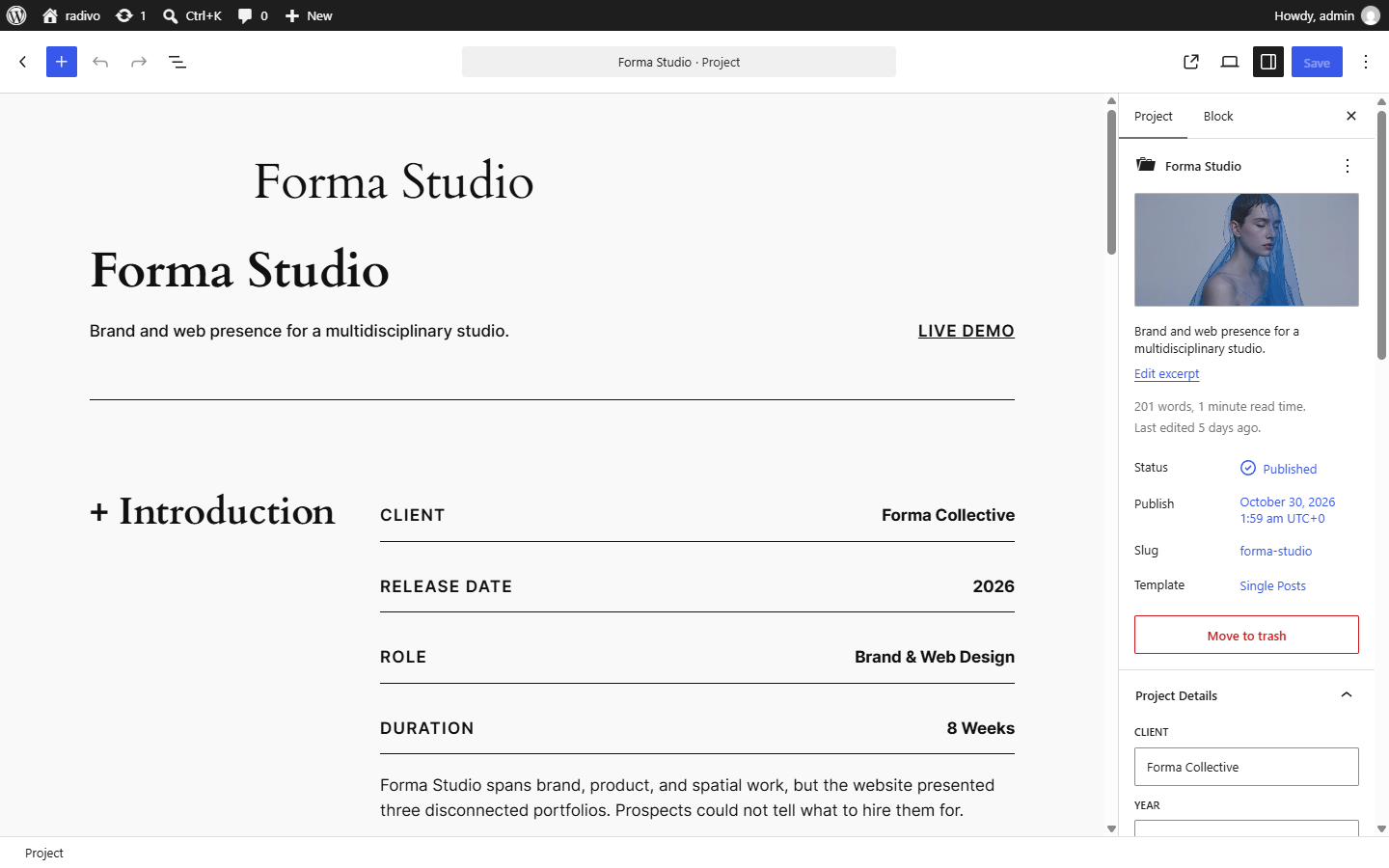
- Set title, featured image, and meta (Client, Year, Role, Duration, URL).
- Assign Categories / Services / Industries / Tags.
- Build the page with patterns (Hero, Overview, Results & Metrics) or your own blocks.
- Publish.